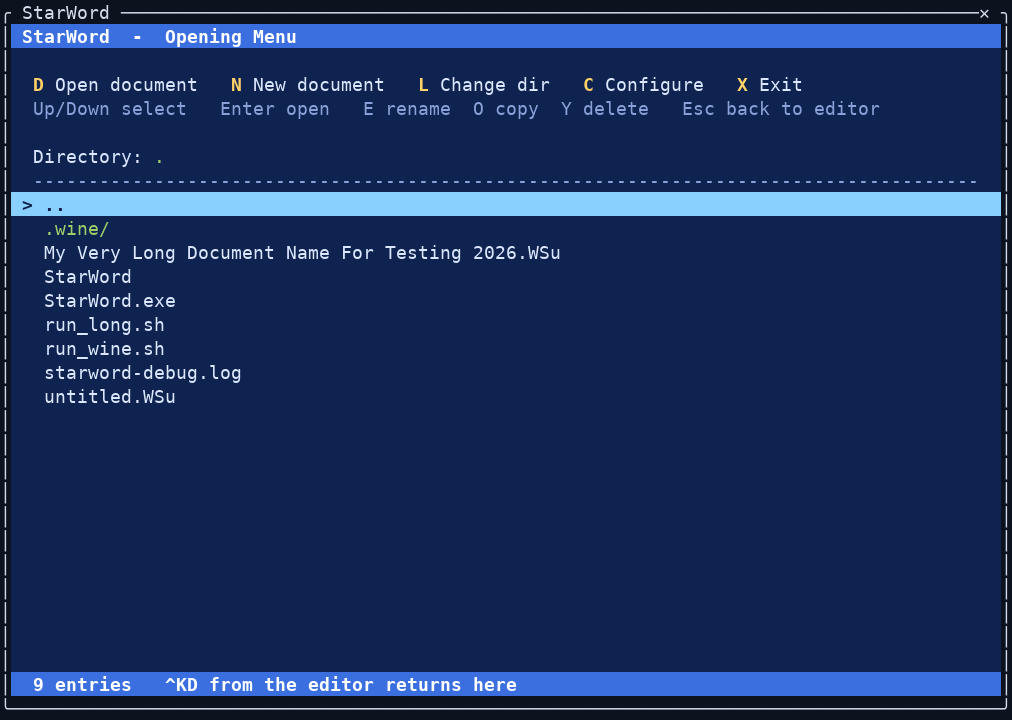
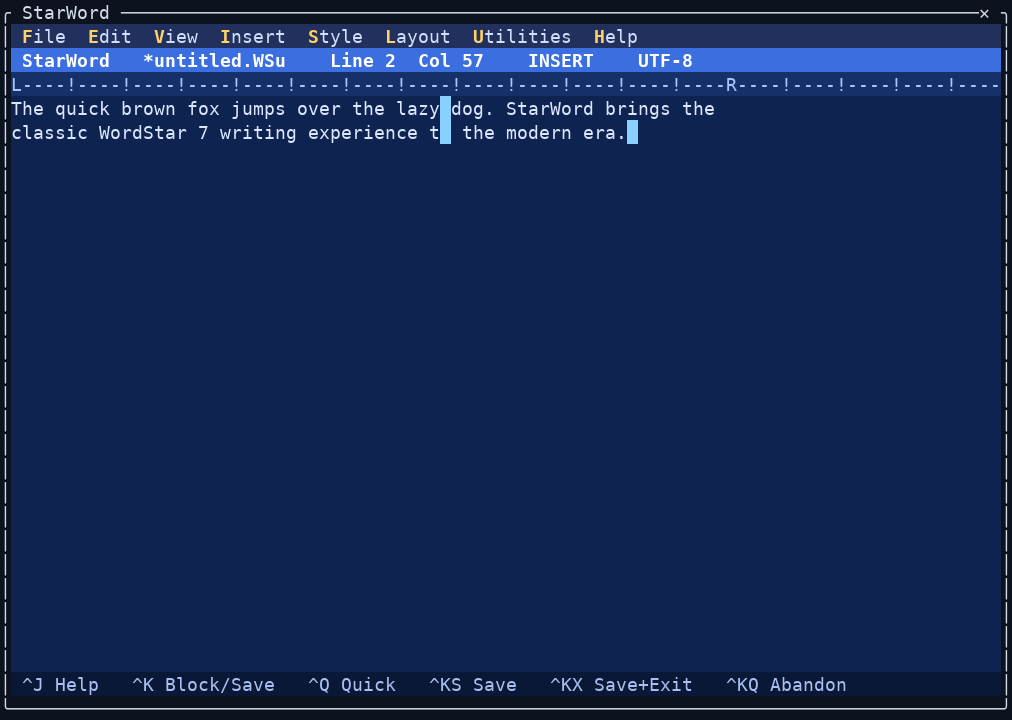
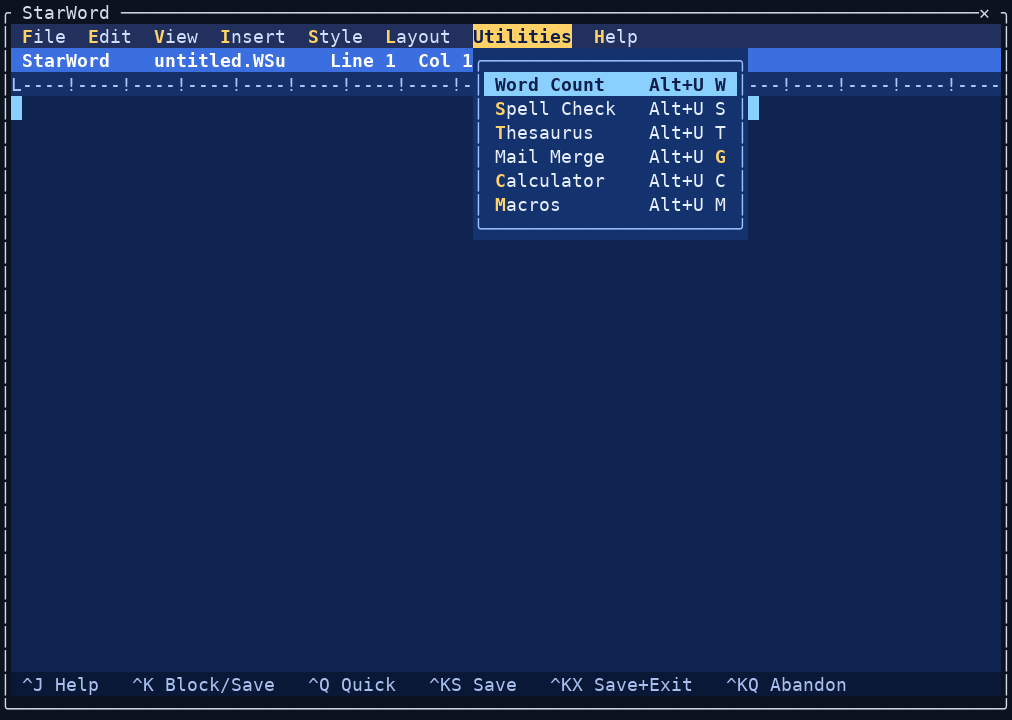
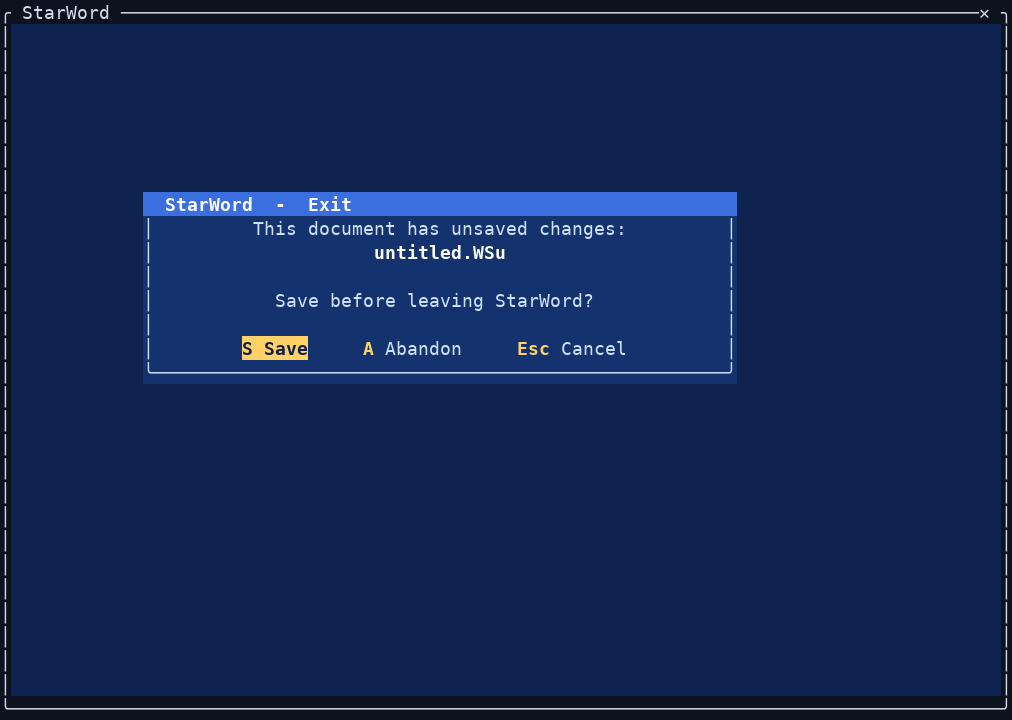
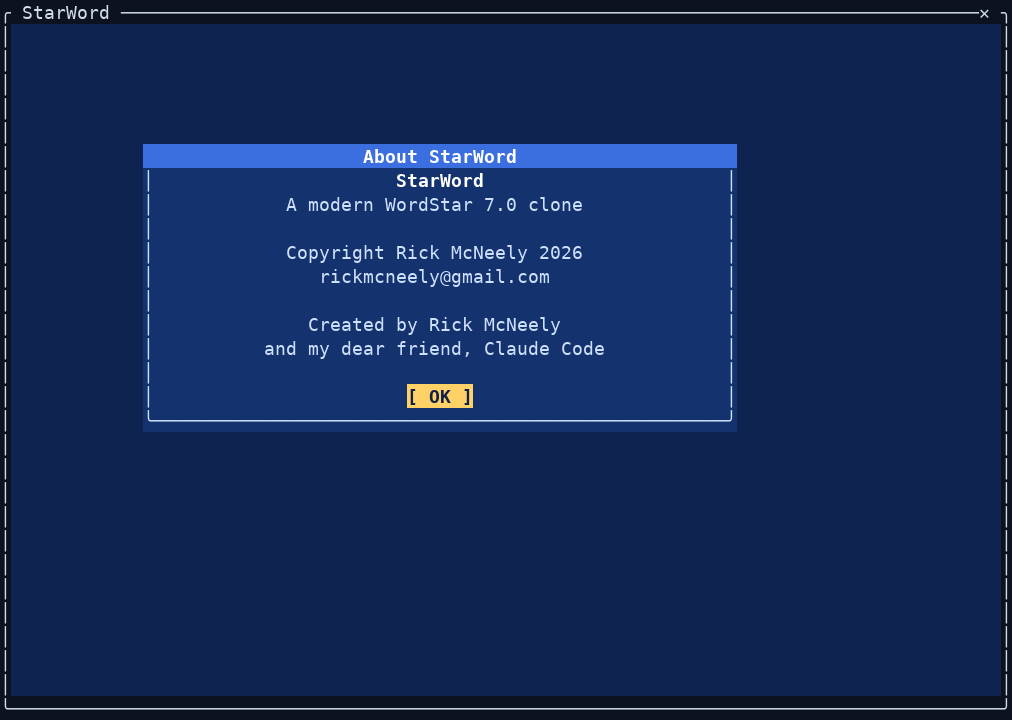
Opening Menu. The classic WordStar opening screen — open or create a document, change directory, configure, or exit.The editor. Pull-down menu bar, status line (file, line/column, Insert mode, encoding), the ruler, and the WordStar command reminders along the bottom.Pull-down menus. WordStar 7's menu bar with the original Alt-key bindings — here the Utilities menu (word count, spell check, thesaurus, mail merge, calculator, macros).Safe exit. Leaving with unsaved changes raises a WordStar-style confirmation — Save, Abandon, or Cancel, by keyboard or mouse.About. Mouse- and keyboard-friendly dialogs throughout.